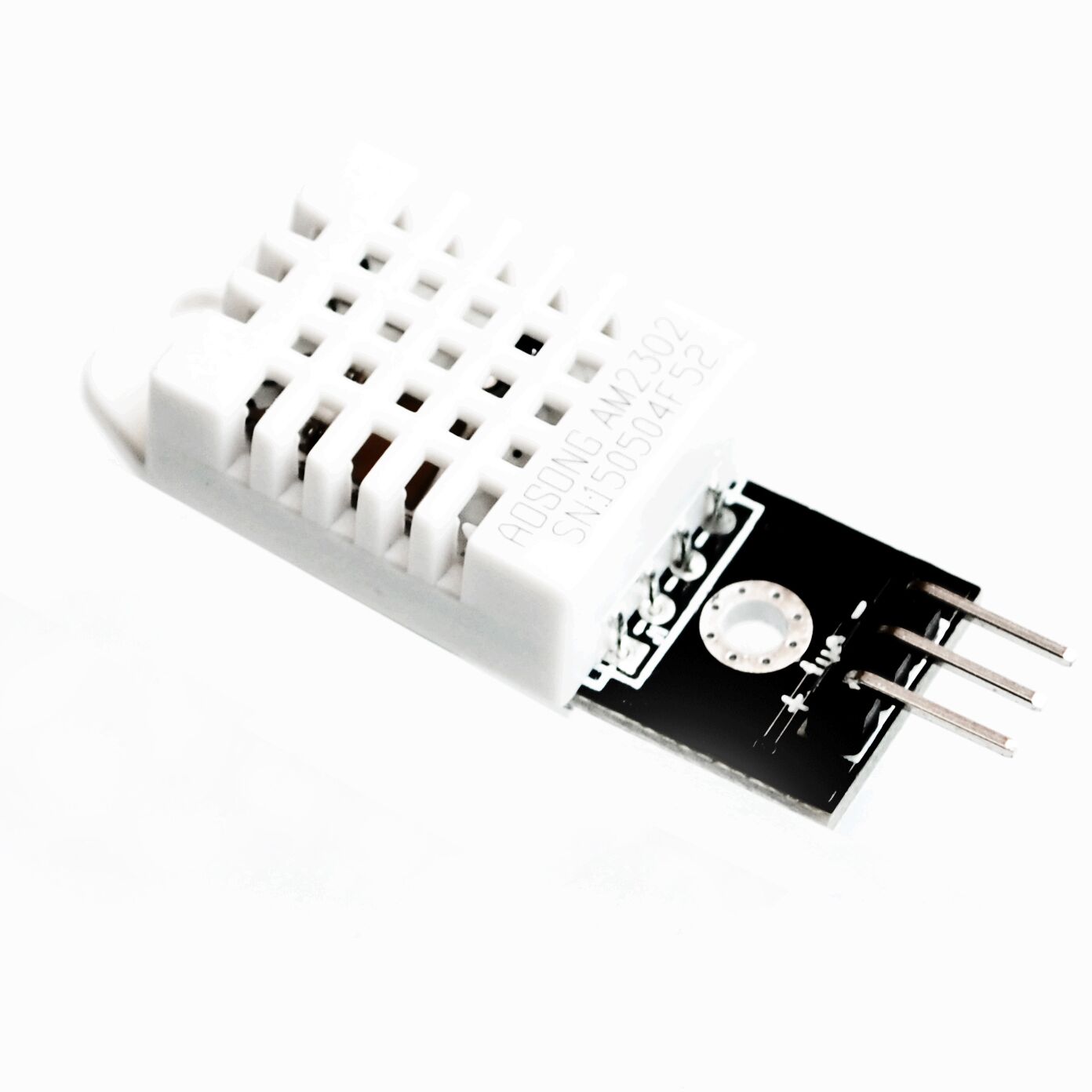
The DHT22 is a calibrated digital sensor that measures temperature (−40 to 80 °C) and relative humidity. It is a great first project for the ESP32 — three wires and a dozen lines of code.
Wiring
- VCC → 3.3V on the ESP32.
- GND → GND.
- DATA → GPIO 4.
Breakout boards like ours already include the 10 kΩ pull-up resistor on the data line. If you use a bare 4-pin sensor, add a 10 kΩ resistor between DATA and 3.3V.
Install the library
In the Arduino IDE open Tools → Manage Libraries, search for DHT sensor library by Adafruit and install it (accept the Adafruit Unified Sensor dependency).
The code
#include <DHT.h>

DHT dht(4, DHT22);   // data pin, sensor type

void setup() {
  Serial.begin(115200);
  dht.begin();
}

void loop() {
  delay(2000);                      // the DHT22 updates every 2 seconds
  float h = dht.readHumidity();
  float t = dht.readTemperature();  // Celsius
  if (isnan(h) || isnan(t)) {
    Serial.println("Read failed - check the wiring");
    return;
  }
  Serial.printf("%.1f °C   %.1f %%RH\n", t, h);
}
Open the Serial Monitor at 115200 baud and breathe on the sensor — you will see the humidity jump.
Where to go next
- Add an OLED display to make a desk weather station.
- Log readings to Google Sheets or an MQTT broker over Wi-Fi.
- Need better accuracy or air pressure too? Try the BME280.